So we are nearing the end of our final semester. The deadline for our project has been set for just over two weeks away. The girls and I have had many Teams meetings to progress as quickly as possible. Yesterday, we had a Video Chat with Javad to discuss the beta version briefly and confirm where we are with the final version. We began contemplating how we’d like to present the project at the exhibition in May.
Javad was extremely helpful yesterday, even scheduling a second call that evening where he showed the three of us how to navigate 3D studio max. I have some experience with Maya on my Mac. The applications are very similar but 3D Studio Max seems much easier to navigate. Unfortunately, Javad informed me that it can’t be downloaded/accessed on Apple devices. This was disappointing but I will manage with Maya – it’ll probably just take a little more time.
Our plan of action always seems to change slightly after meeting with Javad. Before our call yesterday, It was arranged that Lucy & Niamh would work away on the design and animation of the project while I built the virtual 3D room and map in Maya. This room is going to be used to demonstrate how our project could have looked in reality. I have already modelled some objects like a table, floor and wall for the room.
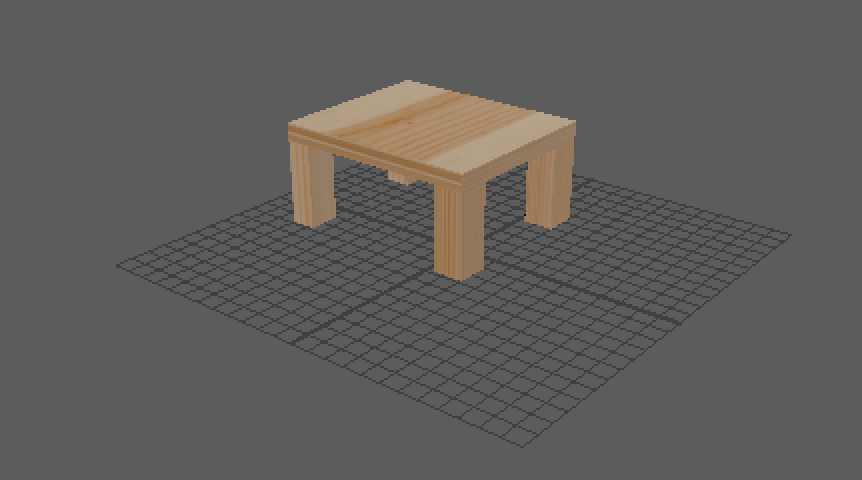
However, the plan has been altered a tad. The creation of the room won’t take me as long as initially expected after Javad’s guidance and advice in this area. Yesterday evening we were able to create the 3D map based on our photoshop design.
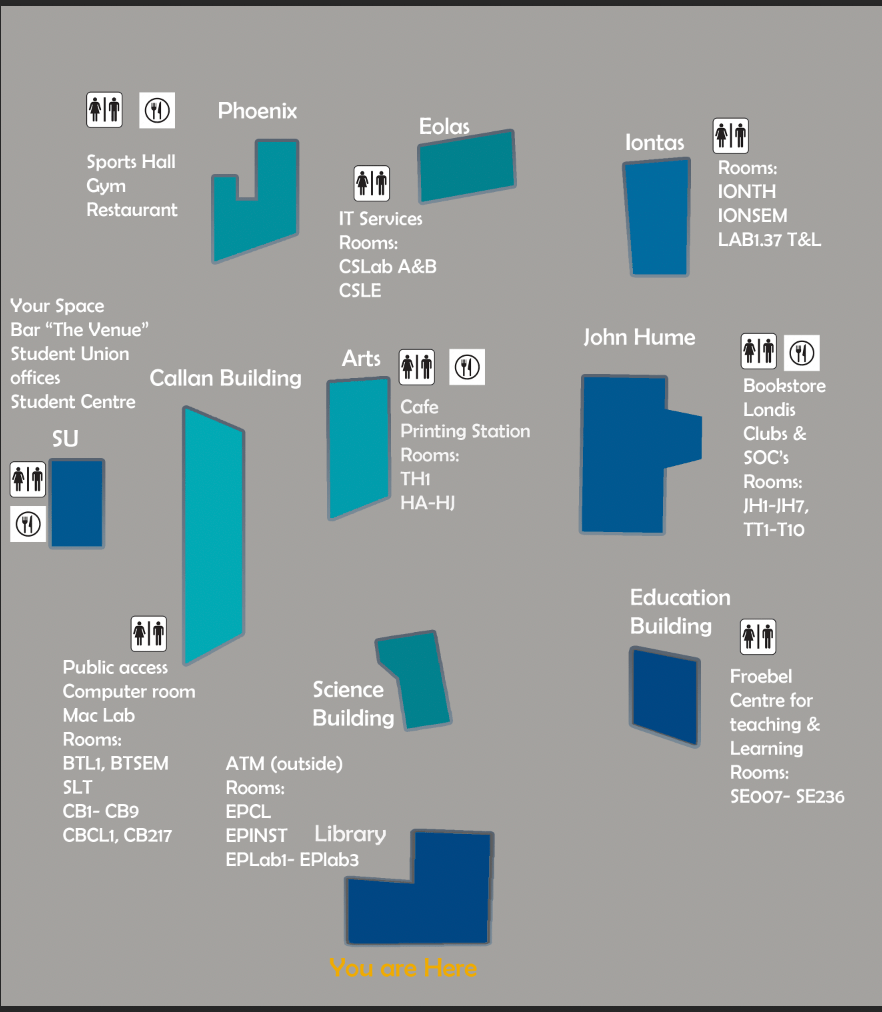
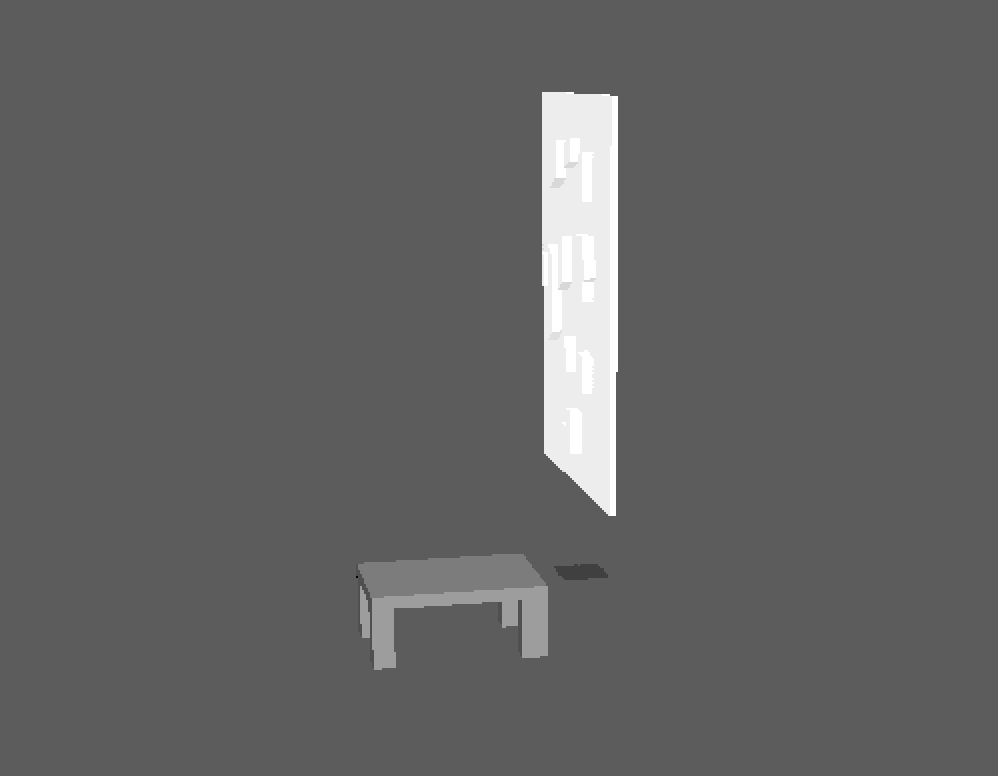
I have gradually started to import each object into the same scene to build the room. Once this is completed, Javad will hopefully demonstrate how to create a video/animation of the room. This will have the affect of a room tour. We plan to add text bubbles throughout the video, describing and explaining the details and thought process behind our idea. I have used Aftereffects to create short animations in the past. However I don’t think Aftereffects will work well with the Maya designed room but I will wait for Javad’s advice in this area.
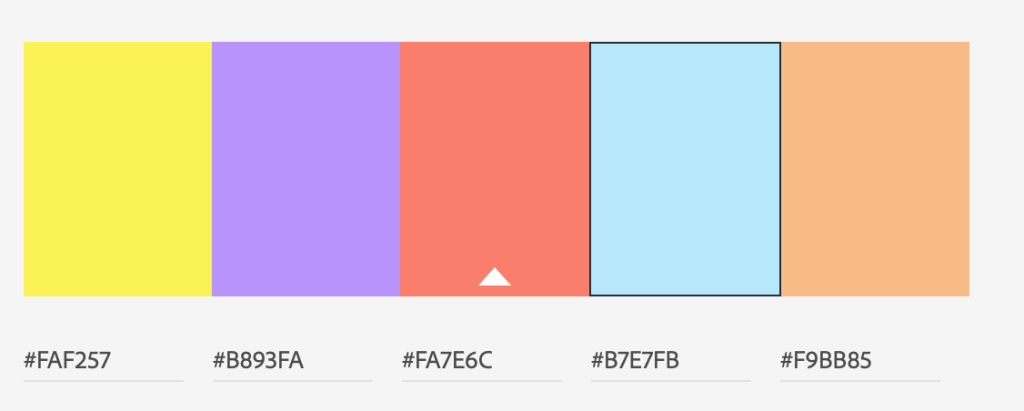
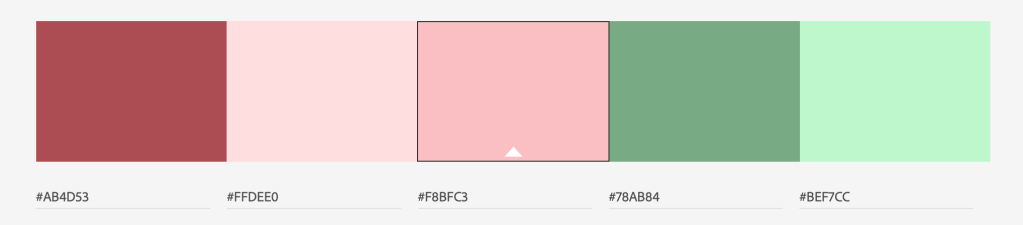
In the meantime, my teammates and I have reevaluated our colour scheme. We initially went with the various shades of blue as they are representative of Maynooth University’s colours. However, if we were using this colours in a real projection mapping project, they wouldn’t work well. Therefore we have leaned towards more vibrant colours to be shone on the buildings. Using Adobe Colour we settled on the below array of colours. We will probably reevaluate or adjust one or two of the choices as we start animating the map. It will most likely be a case of trial and error.
As my role of modelling in Maya seems to be nearly finished, I will help my teammates with the animation process. As neither of them have used Aftereffects before, I will try to show them the basics. My own skills in Aftereffects are minimal but I know the key concepts. In the next few days, before our meeting with Javad, we will have a Teams meeting where I will share my screen and go through the Aftereffects process. The video chats have been very beneficial while we have had to move to remote working. Of course if we were still on campus, the girls and I would be able to work in the same room in front of the same computer. However, there is a benefit to this overall situation. Because Adobe has made their applications available to all students, we can work outside of regular hours on the project. We don’t have to work around an allocation of three hours a week to meet up and work together. We have the freedom to work at 8am or 8pm if we like.
Our goal this week is to get the animation of the map started with the user interaction experience in mind. We carefully selected what information will be projected onto the map beside each building. As we are students ourselves and this project is, at it’s core, designed for the benefit of Maynooth students, we have a huge sense of what the user will want to see. This is mainly room codes, bathrooms, and cafe/restaurants. As most students will be using a map to discover where their next lecture is, we have also incorporated the element of time. When a user chooses a building, the map will show them exactly how long it will take them to walk there and which path is quickest. Before the animation process begins we hope to make any minor adjustments, like building scale and map size.
 Emer's Interactive Project Blog